Contact your Dyke Rocky Mount Sales Manager to get started today
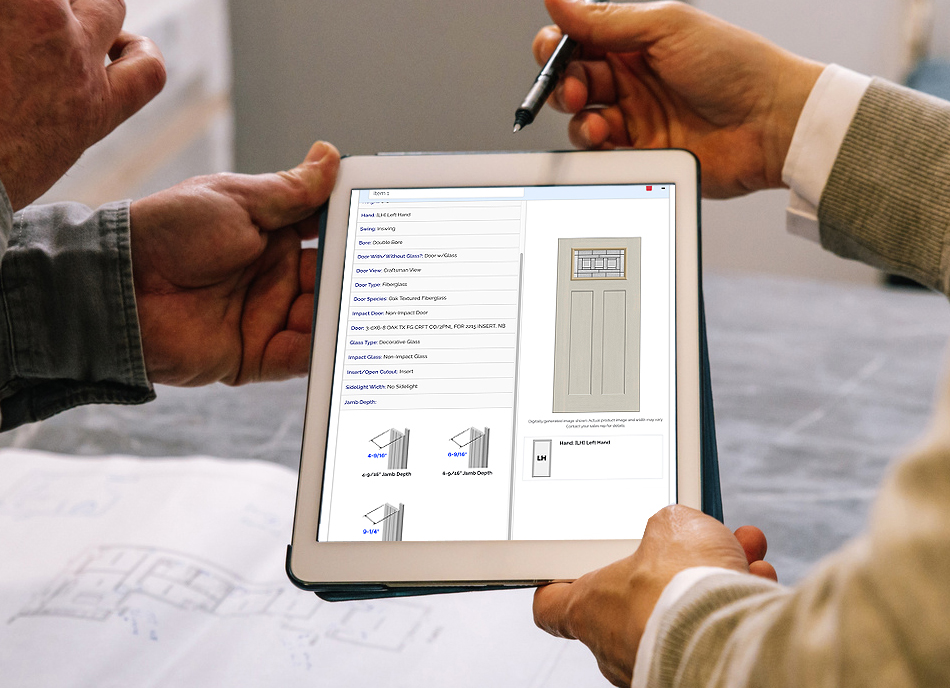
 DykeEDGE is comprehensive way to build and quote door units – submit orders online – track order status all through your new online dealer account.
We have now partnered with Saberis so you can directly import quotes into your ERP.
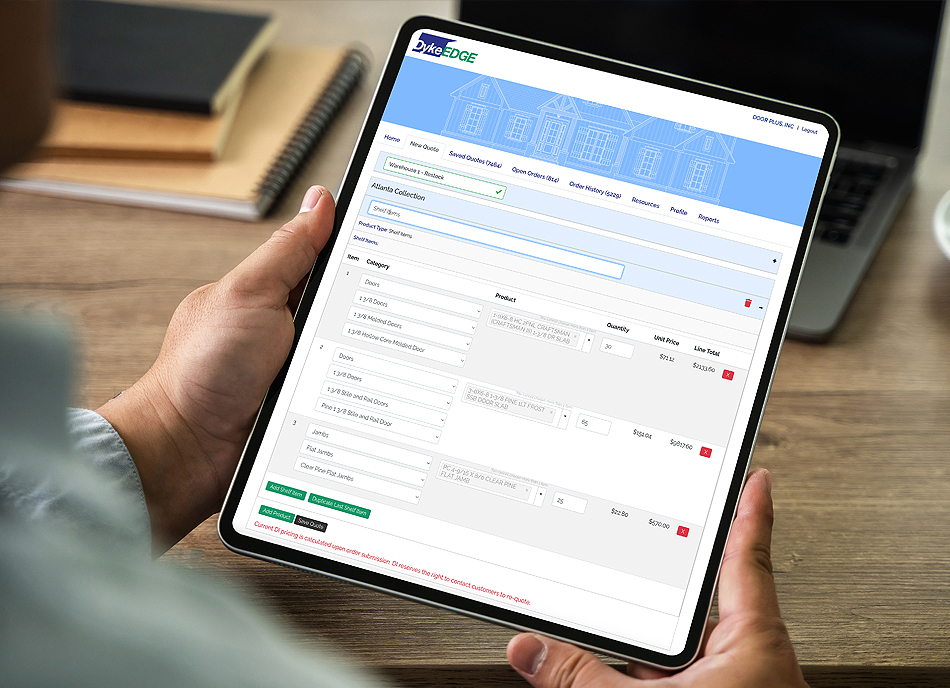
You can access your DykeEDGE account through your local Dyke servicing branch’s website. After clicking the DykeEDGE logo in the upper right you will be presented with the dealer log in. Once logged into your account dashboard the following tabs and features will be available:
- New Quote is where you can configure online multi-line door orders for customers.
- Saved Quotes are quotes that are being built but have not been submitted to Dyke. Saberis importing - Single or batch quote importing
- Open Orders are current door orders with statuses of process.
- Order History is an accounting of all order placed via your account.
- Resources will contain the latest Dyke marketing and online millwork resources to download.
- Profile is where you can update your dealer information and create and manage sales person accounts for your team.
- RFQs will list customer quote request/sales leads sent from the front-end of your Dyke branch website.